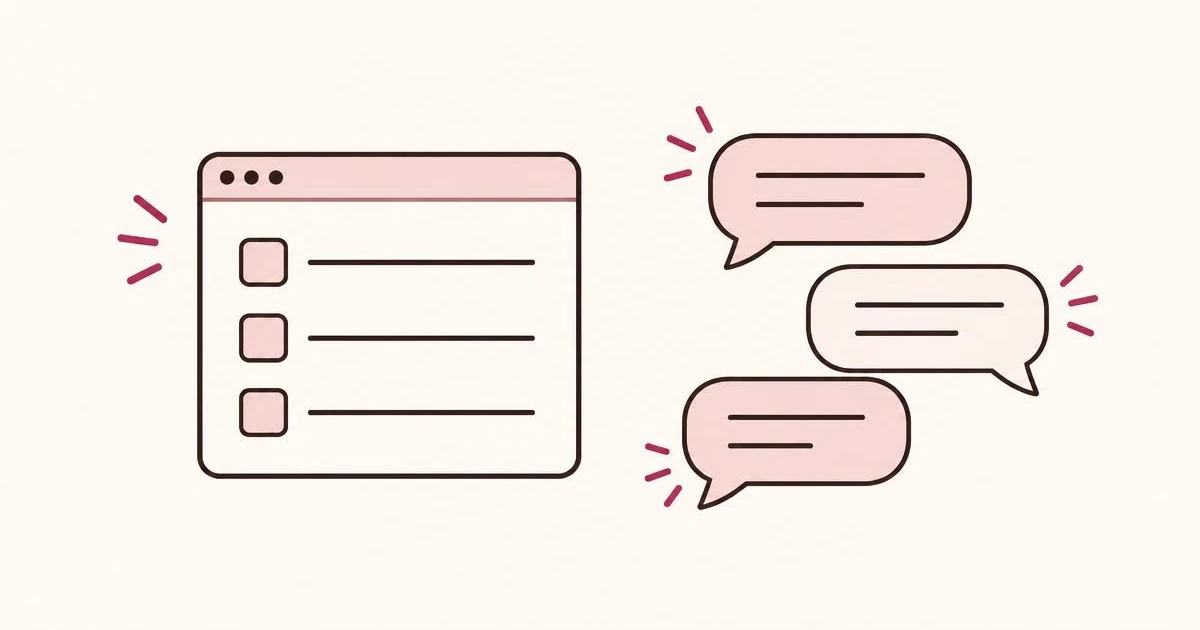
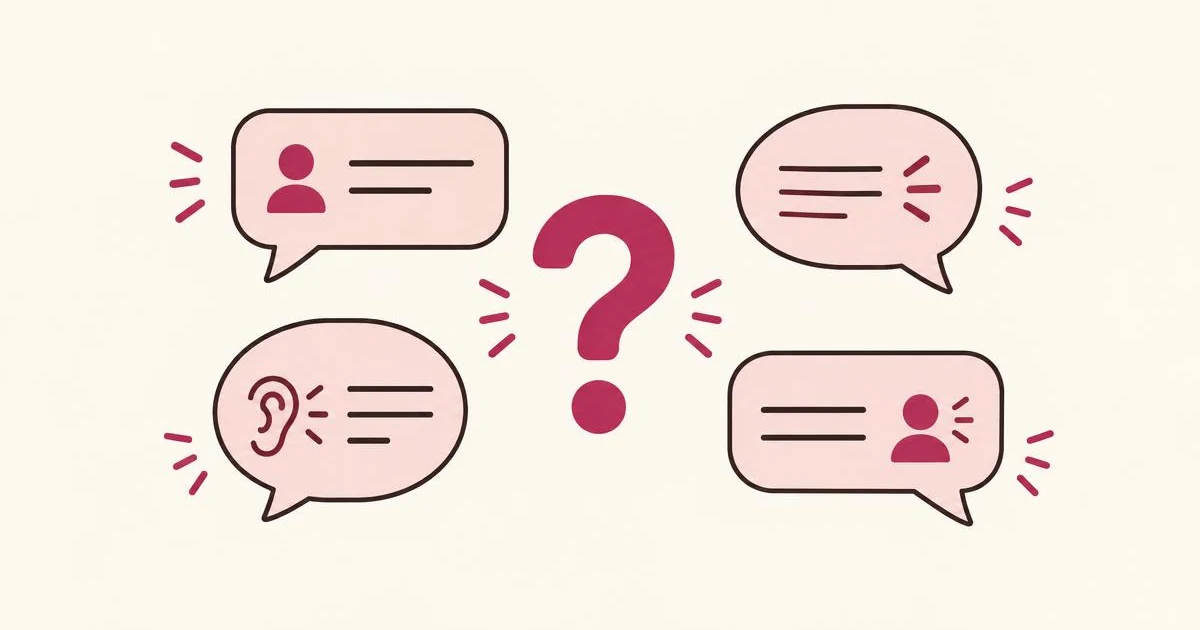
A website feedback widget gives visitors a way to share a question, obstacle, or request while viewing a page. Forms collect information through predefined fields. AI conversations can interpret an answer and adapt the next question.
Neither approach is automatically better. Choose the experience that helps people explain their needs with the least unnecessary effort.
Forms suit predictable information.
A bug report may need a description and screenshot. An event enquiry may need a date and group size. Displaying those fields together lets visitors understand the requirements and complete them in their preferred order.
A well-designed form can be fast, accessible, and easy to review.
Its weakness appears when it asks everyone for information that matters only to some people.
A visitor requesting a different colour should not have to complete budget, delivery, timing, and company-size fields before saving that request.
When a conversation adds value
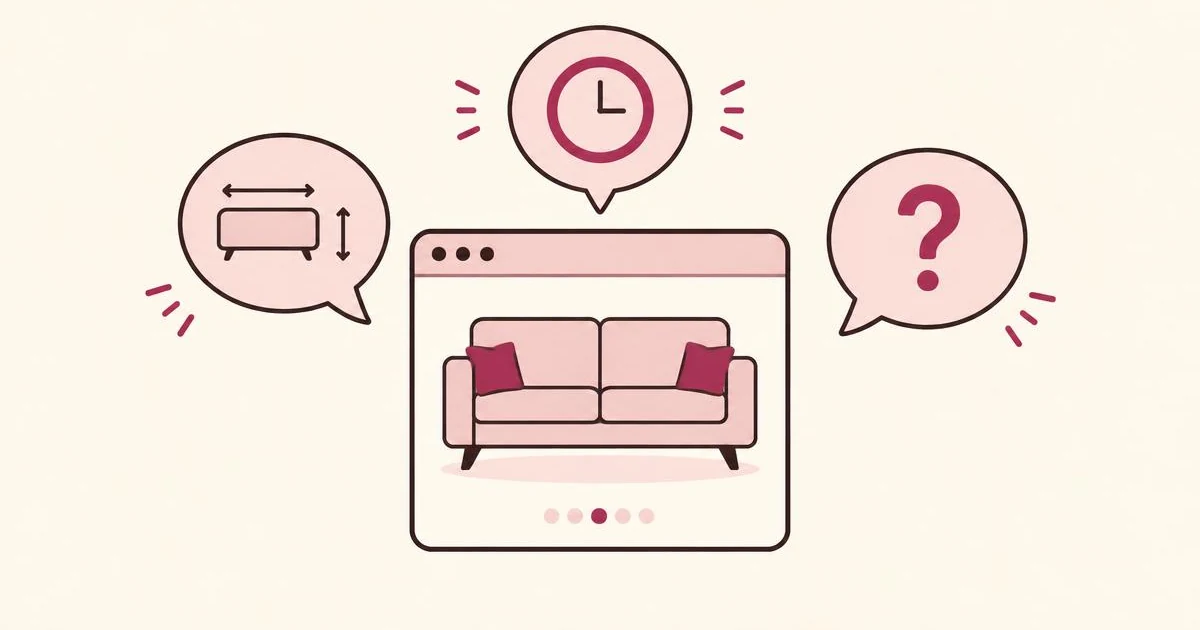
A conversation is useful when the next question depends on what the person says.
| Visitor message | Appropriate response |
|---|
| “I need something smaller.” | Ask what dimensions would fit. |
| “I need a version around 180 cm wide.” | Summarize and continue. |
| “Can you open later?” | Ask what time would work. |
| “Thursday evenings until 9 p.m.” | Capture the requirement without repeating it. |
The advantage is conditional clarification—not simply presenting a form one field at a time.
Where AI conversations can go wrong
A conversational interface becomes frustrating when it:
- Asks a generic follow-up regardless of the answer.
- Pretends to understand but categorizes the request incorrectly.
- Adds facts the visitor never supplied.
- Keeps asking questions after the requirement is clear.
- Promises an offer the business has not approved.
- Loses the visitor’s message when a model call fails.
These are product-quality issues, not cosmetic details.
A request assistant should summarize accurately, allow corrections, and provide a simple fallback when AI is unavailable.
Keep contact entry structured
A chat interface still needs properly designed inputs.
Use a labeled email field or phone field when collecting notification details. Do not rely solely on placeholder text or ask people to put every piece of information into an unstructured message.
W3C’s accessibility guidance emphasizes labels that identify controls and instructions that help people complete forms.
Source: W3C Web Accessibility Initiative, Forms Tutorial
Apply the same discipline to chat: keyboard access, understandable errors, visible focus, and a usable mobile composer all matter.
Compare outcomes rather than visual appeal
Test the approaches against the same objective.
Useful measures include:
| Metric | What it helps you understand |
|---|
| Completed requests per widget opening | Whether people finish after engaging. |
| Completed requests per eligible page visit | Whether the complete experience attracts participation. |
| Requests with actionable detail | Whether responses support decisions. |
| Time and effort to complete | Whether the interaction is unnecessarily demanding. |
| Incorrect summaries or categories | Whether AI interpretation needs improvement. |
A conversation with more messages is not necessarily more successful. It may simply take longer.
For a fair comparison, keep the offer, placement, and audience similar. Avoid changing several elements at once and attributing the result entirely to AI.
Frequently asked questions
Do AI conversations always generate more feedback?
No universal result should be assumed. Measure participation and usefulness on your own website.
Can a feedback assistant replace customer support?
Not necessarily. A narrowly configured request assistant should record needs and direct support questions appropriately, rather than invent answers about orders or availability.
Next: Learn how to turn requests into offers worth testing.
Try IfOnly’s demo to experience a conversation built around what the visitor actually says.
Standards basis: W3C’s guidance on accessible form labels and instructions.