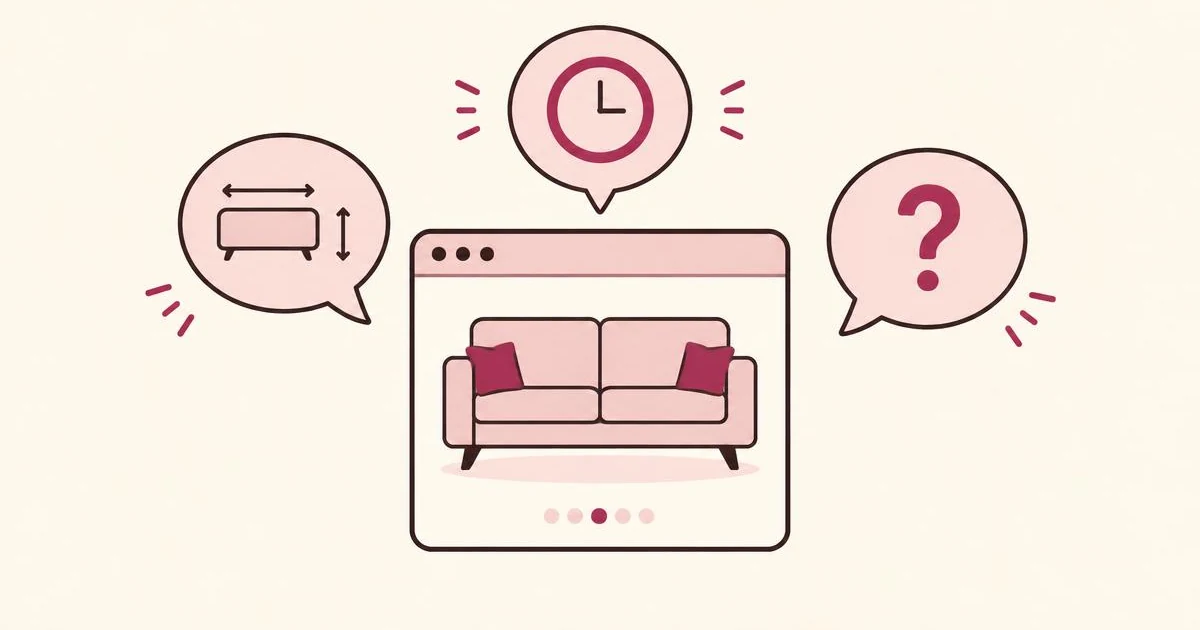
Imagine three people leaving the same sofa page.
One needs a narrower model. Another cannot find delivery information. The third is collecting ideas for an apartment they will move into next year.
They produce the same immediate outcome—no purchase—but need three different responses.
1. The offer is close, but not quite right
An interested visitor can like your business and still find the current offer unsuitable.
Examples include:
- A membership that excludes the days they need.
- A course delivered at an inconvenient time.
- Software missing a required integration.
- Furniture unavailable in the right dimensions.
- A service that does not cover their location.
These are reasons to investigate demand, not automatically reasons to change your offer.
Ask: “What would make this a better fit for you?”
Then look for repeated, specific needs. Ten requests for “different hours” are less actionable than six requests for Thursday appointments after 6 p.m.
2. The answer exists, but visitors cannot find it
Publishing information does not guarantee people will notice it.
Nielsen Norman Group’s research on online reading finds that people commonly scan pages rather than read every word. Its practical implication is straightforward: essential information needs clear headings and a location that matches the visitor’s task.
Source: Nielsen Norman Group, How People Read Online
If delivery areas appear only in a long FAQ, someone considering a product may miss them. If membership restrictions sit below several promotional sections, visitors may remain uncertain.
Before developing a new offer, ask whether you need to explain the existing one more clearly.
Useful question: “What information would help you decide?”
3. The next step creates friction
A visitor may want the offer but struggle to complete the action.
Check the experience yourself:
- Open the page on a phone.
- Find the price and relevant conditions.
- Attempt the booking or purchase.
- Test validation errors.
- Check whether the next step is obvious.
Use actual errors, support enquiries, and visitor feedback to identify problems. Do not assume that every abandoned journey reflects a price objection.
Useful question: “Was anything difficult while trying to book or buy?”
4. The visitor is not ready
Some visitors are researching, comparing, or planning.
Trying to force an immediate purchase may be less useful than letting someone express a specific requirement and request an update.
For example:
“I’m looking for a beginner course starting in January.”
That is more useful than treating the person as an unidentified lost visitor. It still does not guarantee a booking.
Turn observations into a small test
Use a simple decision table:
| What visitors say | What to investigate |
|---|
| “Do you deliver here?” | Whether delivery coverage is clear. |
| “I need a smaller version.” | Demand for specific dimensions. |
| “I can’t complete payment.” | A potential technical problem. |
| “I need this later.” | Timing and a relevant future update. |
Change one meaningful thing, then measure what happens.
Frequently asked questions
Does a website exit mean the visit failed?
No. Someone may have found an address, checked opening hours, or gathered information for a later decision. Interpret exits against the purpose of the page.
Can feedback tell me what all visitors want?
No. People who respond are self-selected. Describe findings as patterns among respondents, and test them before making wider assumptions.
What should I ask first?
Start with one question connected to the page: “What would make this right for you?” is useful when you want to understand an unmet requirement.
Next: Explore 12 questions for visitors who don’t buy.
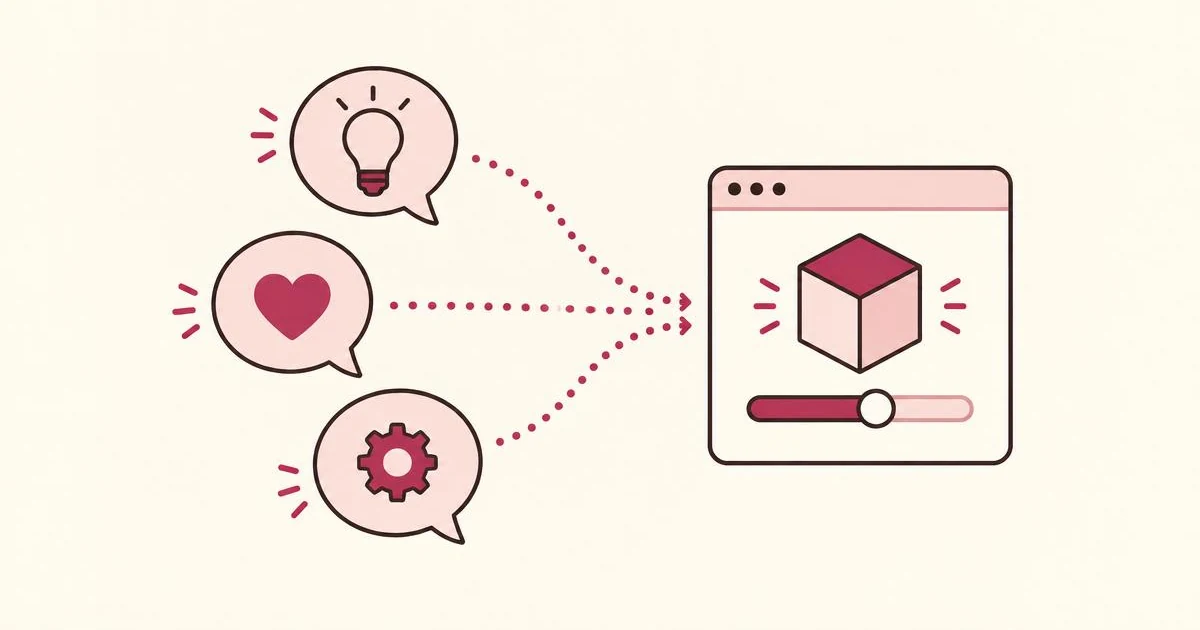
Try the IfOnly demo to see how a visitor can explain what is missing.
Research basis: Nielsen Norman Group’s findings on scanning and online reading.